How SugarDrive Works
System Overview
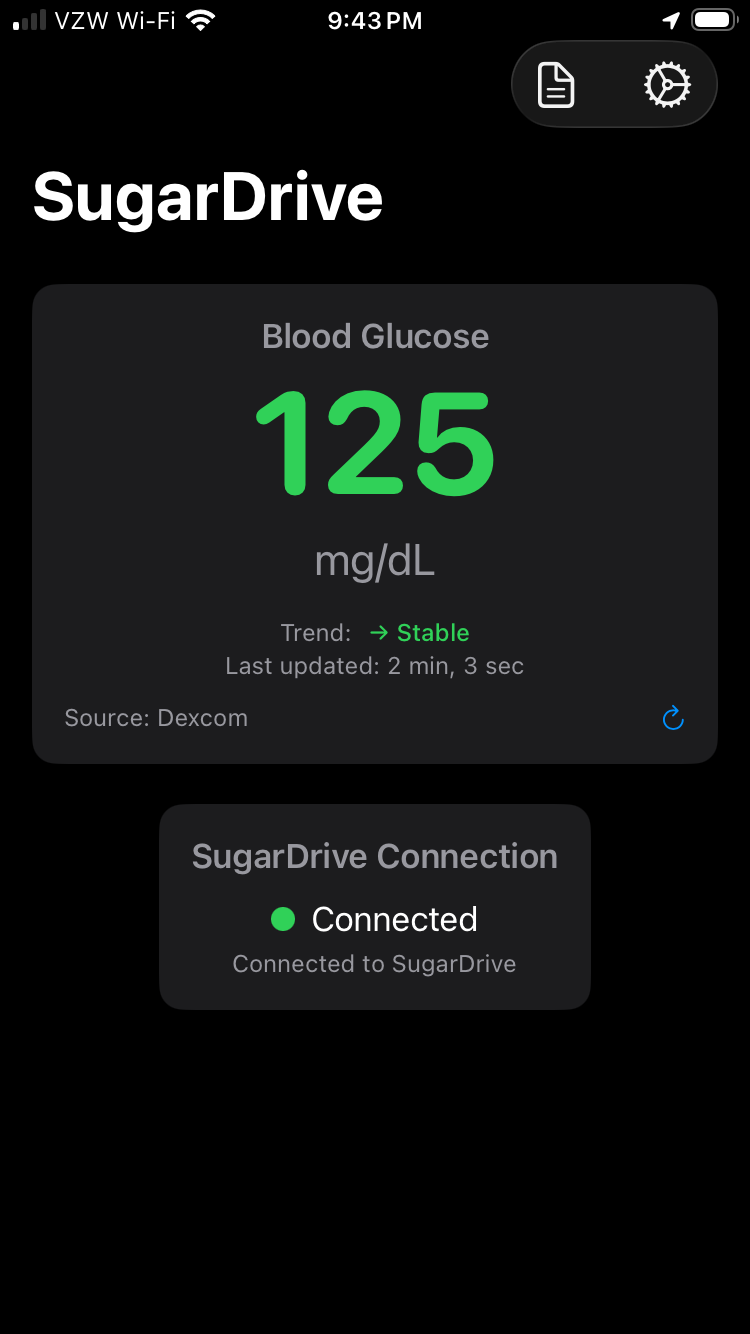
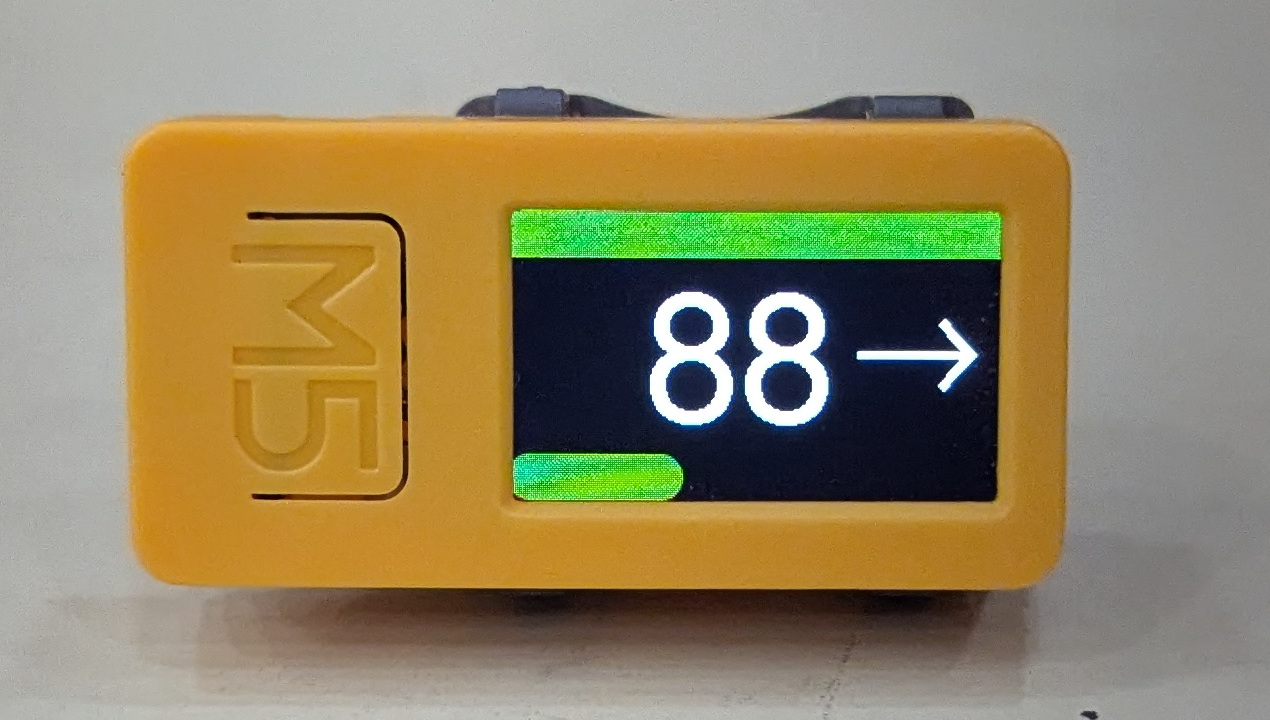
SugarDrive is a two-part system: an iOS app on your iPhone and a dedicated car display that connects wirelessly.
- SugarDrive iOS app retrieves your current glucose value via the Dexcom Follow API
- Car display connects to your iPhone via Bluetooth LE and receives the current reading
- Display auto-wakes when you start your car and shows your glucose value with large, high-contrast numbers
What You Need
Required
- Dexcom G6 or G7 CGM with Follow API access enabled
- iPhone (iOS 15 or later)
- Vehicle with USB power port (cigarette lighter adapter or built-in USB)
- Cellular or WiFi connection for iPhone to reach Dexcom servers
Helpful to Have
- Basic comfort with TestFlight apps
- Familiarity with Bluetooth device pairing
Setup Process
One-time setup (about 10 minutes):
- Install the SugarDrive iOS app via TestFlight
- Sign in with your Dexcom Follow credentials
- Mount the display in your vehicle (clip mount included)
- Connect display to vehicle USB power
- Pair display with iPhone via Bluetooth
Daily use:
- Start your car – display powers on automatically
- Display reconnects to iPhone and shows current glucose
- Glance at display as needed while driving
- Turn off car – display powers down
Technical Details
Data flow: Dexcom CGM → Dexcom Cloud → Dexcom Follow API → SugarDrive iOS app → Bluetooth LE → Car Display
Update frequency: Glucose values refresh according to your CGM’s normal update cycle (typically every 5 minutes for Dexcom)
Connection: The iPhone acts as a Bluetooth peripheral. The car display initiates connection when powered on and can wake the iPhone for data fetches.
Power: Compact display draws minimal power from vehicle USB (less than phone charger level)
What to Expect
This works reliably when:
- Your iPhone has cellular or WiFi connectivity
- Your Dexcom Follow API is functioning normally
- Bluetooth is enabled on your iPhone
- The display has vehicle power
Limitations:
- Not a medical device – for awareness only
- Shows most recent glucose value from Dexcom Follow API
- Requires iPhone to be with you in the vehicle
- Display accuracy depends on CGM sensor accuracy
Frequently Asked Questions
Does this replace my CGM or phone app?
No. SugarDrive displays the same glucose data from your Dexcom. It’s designed specifically for easier visibility while driving.
Will it work if my phone screen is locked?
Yes. The display can wake your iPhone via Bluetooth to fetch current data.
What if I lose cellular connection while driving?
The display will show the last received glucose value. When connectivity returns, it will update automatically.
Does it work with other CGMs besides Dexcom?
Currently only Dexcom G6 and G7 via the Follow API are supported.
Ready to Validate SugarDrive?
I’m looking for technically capable testers to validate the system in real-world conditions.